Garmin Edge Data Field · Version 1.1.0

ARTILLIS

BACKBY EDGE

Smart return timing for cyclists. Know when to turn back and stay on track to reach your starting point by the time or distance you choose.

View on Garmin Connect IQ
PlatformGarmin Edge cycle computers
Current version1.1.0
Ideal forTimed out-and-back rides
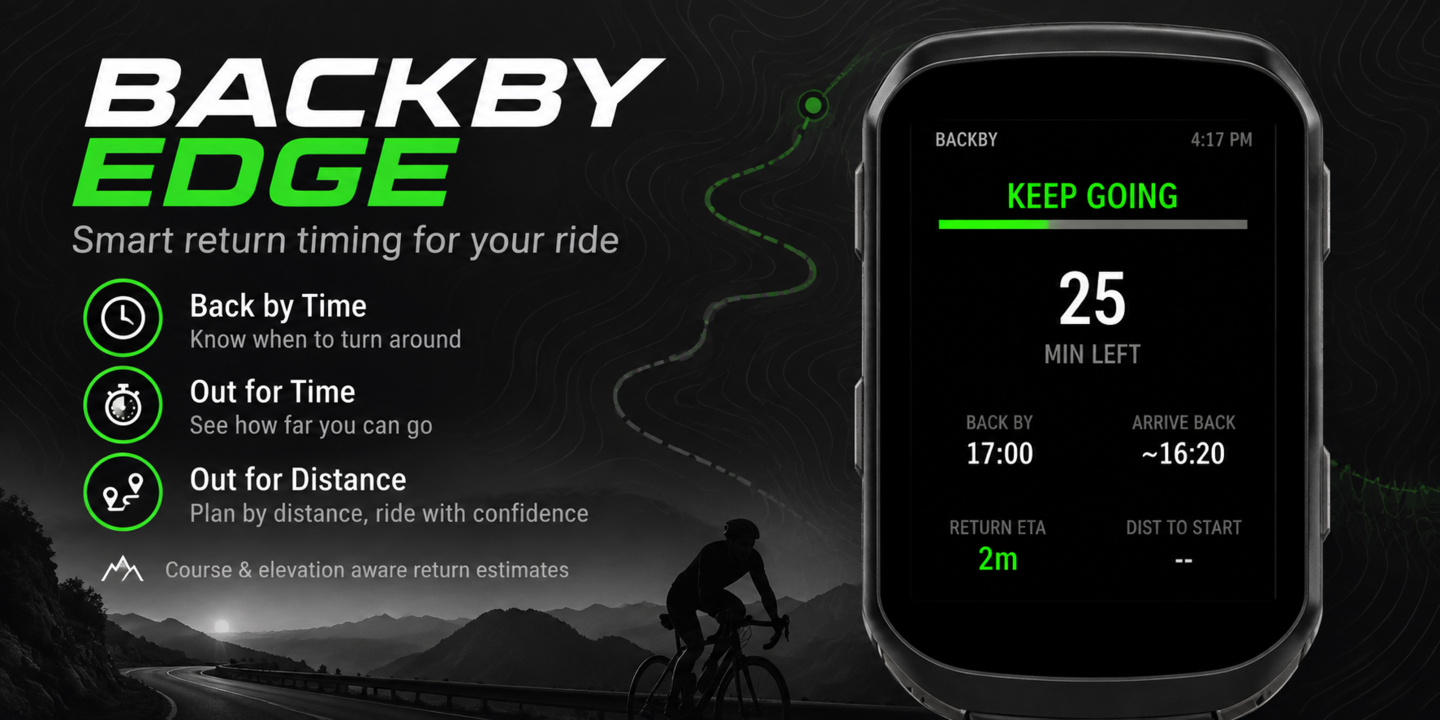
BACKBY EDGE Garmin cycling app hero image

Overview

BACKBY EDGE brings the familiar BACKBY return-planning system to compatible Garmin Edge cycle computers. It uses your real ride data to estimate the journey back, helping you decide when to keep going, prepare to turn and head home without relying on a simple halfway point.

Key features

Back By Time

Choose the clock time you need to be back and see whether your predicted arrival remains safely ahead of the target.

Out For Time or Distance

Plan a total ride duration or distance and receive clear guidance as the turnaround point approaches.

Route-aware estimates

Return guidance is based on the route you have ridden, giving a more useful estimate than straight-line distance alone.

Terrain-aware timing

Uphill and downhill riding speeds are considered so the estimated return time can better reflect the terrain ahead.

Clear ride states

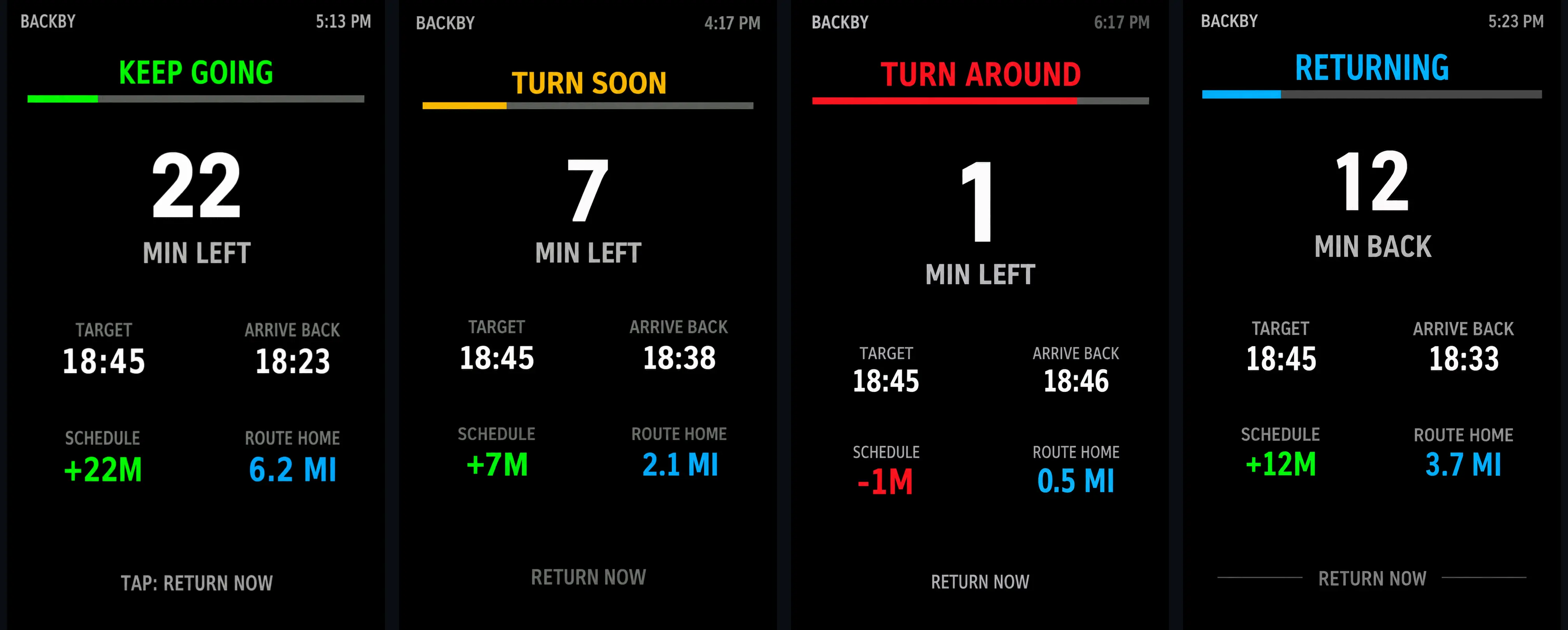
KEEP GOING, TURN SOON, TURN AROUND and RETURNING screens make the next action easy to understand at a glance.

Live schedule guidance

See your target, predicted arrival, route home and whether you are ahead of or behind schedule while riding.

Best for

  • Leisure, road, gravel and mountain-bike rides with a firm return time
  • Exploring an outward route without guessing when to turn around
  • Rides where hills can make the return journey faster or slower than the outward leg
Garmin compatibility

Check the Garmin Connect IQ Store listing for the current compatible-device list and any device-specific details.

Need help? Email .

← Back to all apps

SETUP & INSTRUCTIONS

Getting started

Setup

Install and configure

  1. Install BACKBY EDGE from the Garmin Connect IQ Store on your compatible Edge device.
  2. Open the activity profile you use for cycling and add BACKBY EDGE as a Connect IQ data field.
  3. Open the data-field settings and choose Back By Time, Out For Time or Out For Distance.
  4. Set your target and preferred warning thresholds, then save and sync the settings before your ride.
Access

How to find it on your Edge

  1. Open your normal cycling activity profile.
  2. Go to the profile's data-screen settings and add a Connect IQ field.
  3. Select BACKBY EDGE, place it on a full-screen data page for the clearest display, and save the profile.
  4. Start the activity and swipe or use the device controls to reach the BACKBY EDGE page.
Instructions

How to use it

  1. Start your ride normally and allow GPS and movement data to settle.
  2. Follow the status shown on screen: green means keep going, amber means the turnaround point is close, and red means it is time to turn around.
  3. BACKBY EDGE continually updates the predicted arrival using your progress, ridden route and terrain-related speed information.
  4. Once returning, use the arrival estimate, schedule margin and route-home distance to judge whether you remain on target.
Help

Troubleshooting

  • If BACKBY EDGE does not appear, confirm it has been added to the exact activity profile you are starting.
  • If settings have not updated, save them in Connect IQ and sync the Edge again before testing.
  • Early estimates can change while the field gathers enough GPS, speed and route data.
  • The turnaround point is calculated from the predicted journey back; it is not simply half of the selected time or distance.