Garmin Watch App · Version 2.1.11

ARTILLIS

StepsInTheLast Pro

The fuller StepsInTheLast experience, adding deeper history, trends, timeline views, records and streak tracking beyond the Free version.

View on Garmin Connect IQ
PlatformGarmin watches
Current version2.1.11
Ideal forRecent step tracking
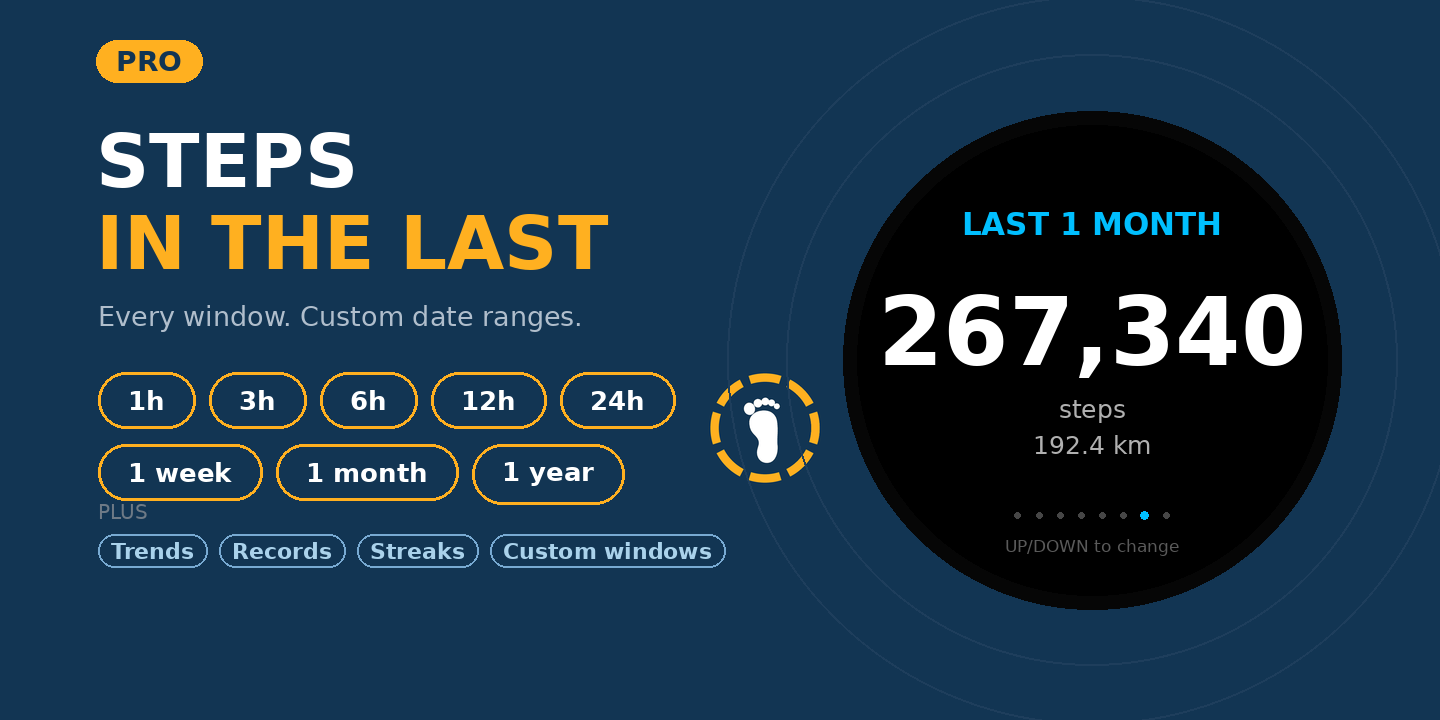
StepsInTheLast Pro Garmin app hero image

Overview

StepsInTheLast Pro makes recent activity easier to understand at a glance. Instead of only showing today's total, it focuses on the steps you have taken over a recent period, helping you judge how active you have been lately rather than across the full day.

Key features

Recent step totals

See step counts based on a recent time window instead of a full-day running total.

Readable progress rings

The display uses clear ring visuals so the information is easy to understand quickly.

Made for quick checks

Useful when you want to glance down and instantly see your recent movement.

More history and insight

Go beyond the Free version with extra ways to review and compare your recent activity.

PRO EXTRAS

What Pro adds over the Free version

StepsInTheLast Pro keeps the quick recent-step view, then adds extra tools for seeing patterns and progress over time.

More time windows

Choose from a wider range of recent periods, including longer views for checking activity beyond the shorter Free-version windows.

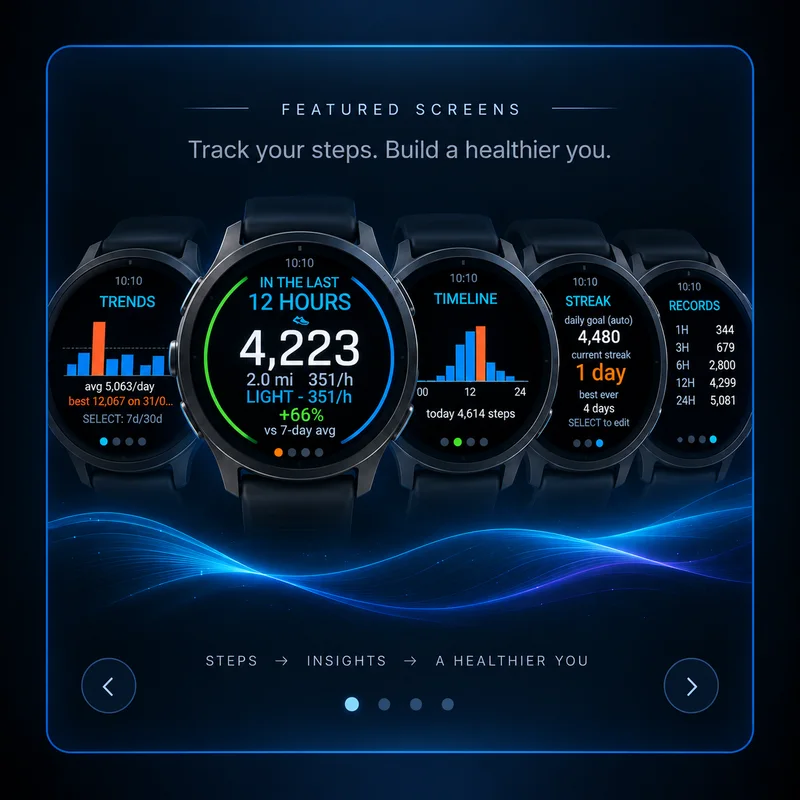
Trends

See recent step patterns in a simple chart so you can quickly spot stronger and quieter periods.

Timeline

View how your steps are distributed through the day instead of only seeing one total.

Records

Keep track of your best recent-step totals across different time windows.

Streak tracking

See your current streak and best-ever streak against your step goal.

Longer-range views

Review activity over extended periods, including longer windows such as a month where supported.

Best for

  • People tracking short-term activity
  • Desk workers checking movement through the day
  • Garmin users who like simple, glanceable visuals
Garmin compatibility

Check the Garmin Connect IQ Store listing for the current compatible-device list and any device-specific details.

Need help? Email .

← Back to all apps

SETUP & INSTRUCTIONS

Getting started

Setup

Install and configure

  1. Install StepsInTheLast Pro from the Garmin Connect IQ Store.
  2. Open the app once after installation so the watch can initialise its settings.
  3. Choose the recent time window you want to view. Pro supports a wider choice of windows and the fuller feature set.
Access

How to find it on your Garmin

  1. Open the watch Apps / Activities list and select StepsInTheLast Pro.
  2. On some Garmin models, installed Connect IQ apps can appear lower down the list or inside the additional-apps / overflow area.
  3. If you use Garmin Connect IQ on your phone, open the app listing there to change available settings.
Instructions

How to use it

  1. Use the displayed recent-period total to see how many steps you have taken in the selected window.
  2. Change the period to compare short windows such as hours with longer windows such as days, weeks or custom ranges where supported.
  3. Use the progress / trend information to compare recent movement rather than only looking at the all-day step total.
  4. The Pro version is intended for users who want the wider window selection and fuller history / comparison tools.
Help

Troubleshooting

  • If the displayed value does not update immediately, give Garmin a short time to refresh step-history data.
  • If a time window is missing, check that you have the Pro version installed rather than the free version.
  • If the app is difficult to find on the watch, check the full Apps / Activities list rather than only the favourite activity list.